
 DACH
DACH
 FR-BE
FR-BE
 US-CAN

Welcome to a calmer phone experience. If you've ever unlocked your device to check your calendar and found yourself 20 minutes deep in a social feed, you're not alone. Most smartphones are designed like attention carnivals—bright, shiny, and impossible to ignore. But what if your home screen could actually support your focus instead of hijacking it? This simple three-folder system transforms your phone into a purpose-driven menu, making intentional choices the effortless default.
Why Your Phone Needs a Purpose-Driven Menu
Your environment shapes your attention more than you realise. When every app icon competes for your thumbs, decision fatigue sets in before you've even started your day. The solution isn't to eliminate fun or ban technology—it's to organise your digital space so good choices become automatic. By grouping apps into just three folders, you create a clear navigation system that respects your time and supports your neurodivergent brain.
The Three-Folder System Explained
Here's how it works. Every app on your phone gets sorted into one of three categories:
- Focus: Apps that help you work, study, or stay organised (calendar, notes, timers, cloud storage, productivity tools)
- Fuel: Apps that support your daily life and wellbeing (groceries, recipes, maps, fitness trackers, health apps)
- Fun: Apps for entertainment and relaxation (music, podcasts, games, social media)
This system turns your phone from a maze into a map. When you unlock your device, you're making one clear choice: which lane am I in right now? That tiny pause interrupts autopilot scrolling and puts you back in the driver's seat.
Your 10-Minute Setup Guide
Ready to transform your home screen? Follow these four straightforward steps:
- Create the folders: Make three new folders on your first home screen and label them 'Focus', 'Fuel', and 'Fun'.
- Sort your apps: Move work and study apps into Focus. Put life-support apps (shopping, health, navigation) into Fuel. Entertainment goes into Fun.
- Clear the clutter: Remove all stray app icons from your home screen so only the three folders remain visible.
- Practice the pause: Each time you unlock your phone, consciously choose which folder matches your current intention before tapping.
That's it. Ten minutes to set up, a lifetime of clearer choices.
The Benefits of Intentional Phone Design
You're not removing fun from your life—you're putting it in the right place. When entertainment apps live alongside work tools, your brain treats every unlock as an open invitation to wander. By grouping apps by purpose, you cut through digital noise and make focus feel easier. The environment does some of the heavy lifting for you.
Try this system for one week and notice the difference. You'll find yourself avoiding accidental detours, completing tasks faster, and feeling more in control of your attention. It's one of the most effective neurodivergent tips for turning your phone into a tool that serves you, not distracts you.
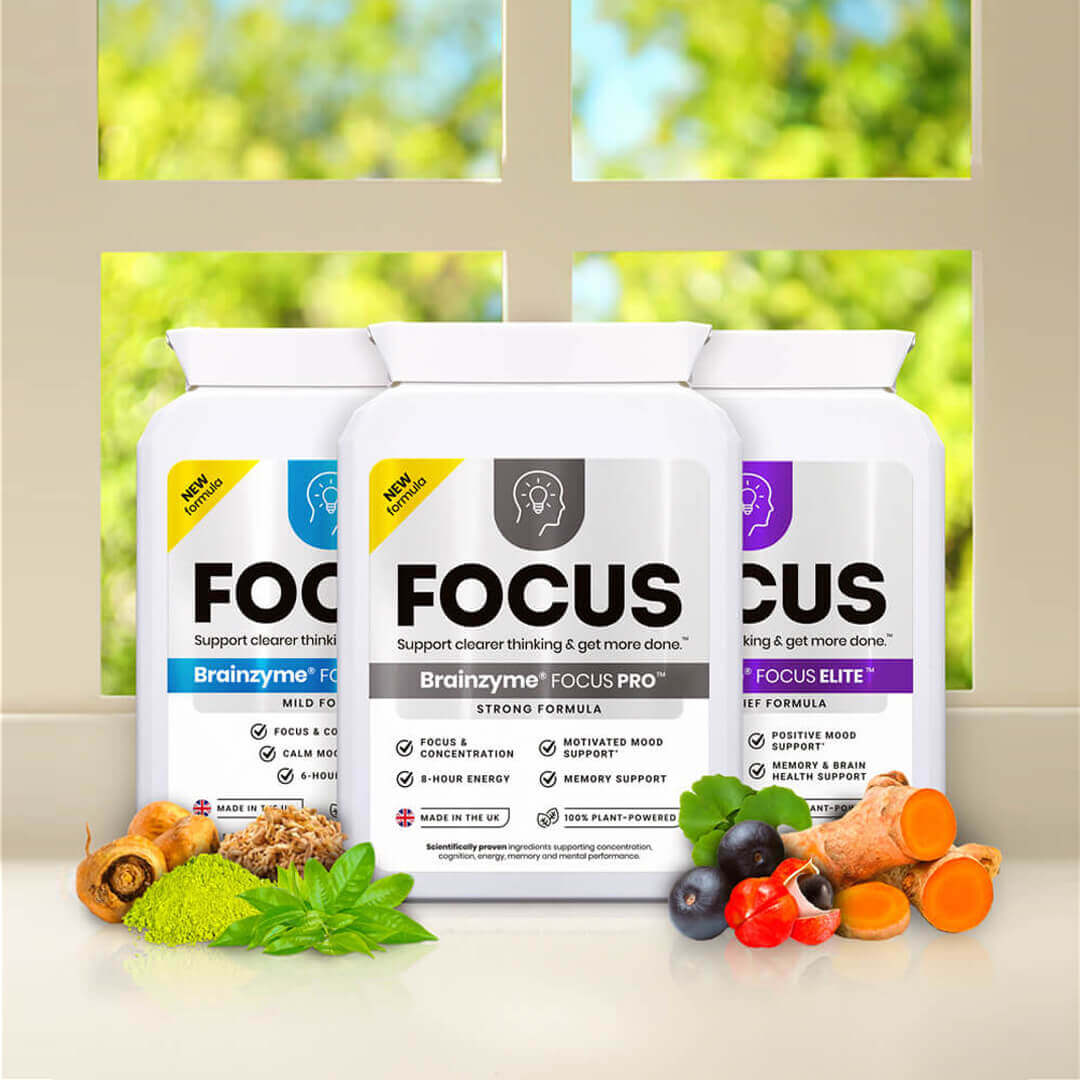
At Brainzyme, we understand that focus isn't just about willpower—it's about smart systems and the right support. If you're looking for additional ways to enhance your attention and productivity, explore our scientifically proven plant-powered focus supplements designed to work with your brain, not against it.
Visit www.brainzyme.com to discover how Brainzyme works and find the focus support that's right for you.